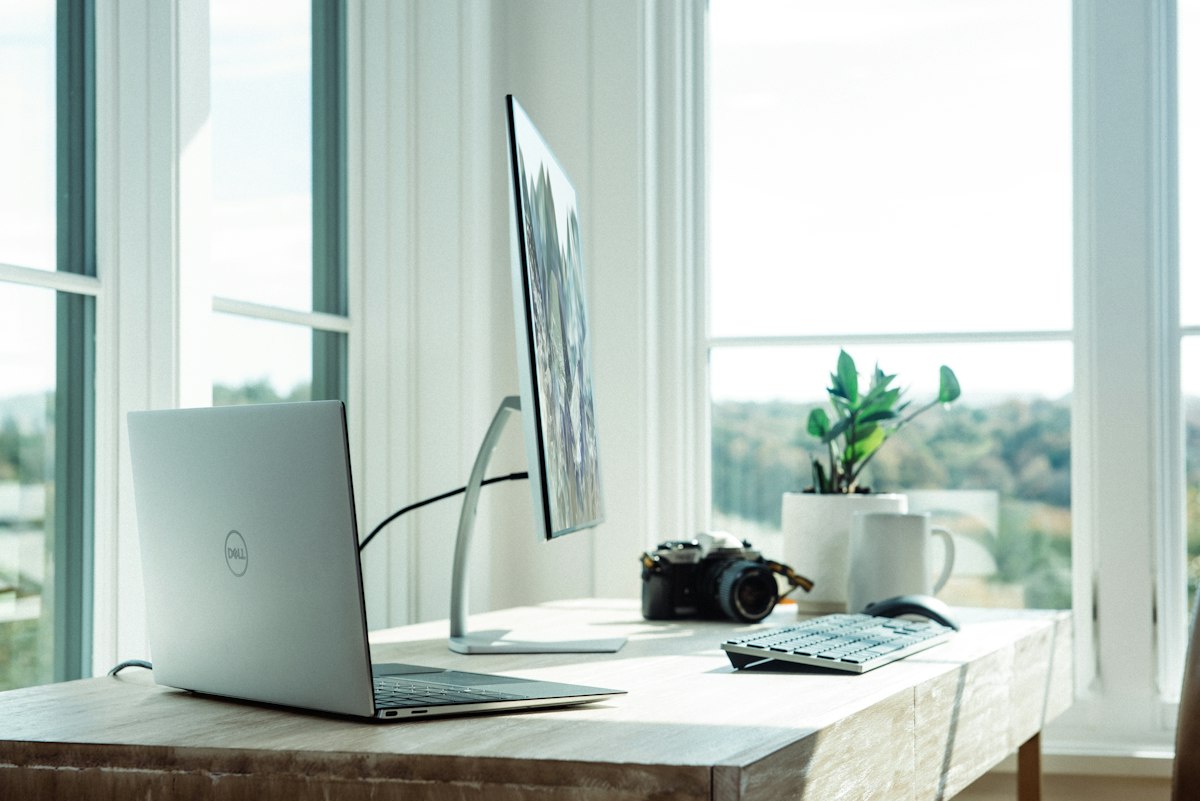
My Home Office Setup (And Why Every Piece Matters)
Three years of working from home. Three years of buying, returning, upgrading, and occasionally cursing at my desk setup. What I’ve landed on isn’t the flashiest workspace on the internet. But every single piece earns its spot.
The Desk
A good desk is foundational. I went with the Uplift V2 standing desk. The sit-stand transition is smooth, the memory presets mean I don’t fiddle with the height every time, and the frame is rock solid even at standing height.
Uplift V2 Standing Desk
$599
The Chair
I’ll spare you the Herman Miller Aeron recommendation that every other blog gives. I went with the Steelcase Leap. Better lower back support, more intuitive adjustments, and it doesn’t look like office furniture from a sci-fi movie. After sitting in it for 8+ hours a day for two years, my back is actually better than when I started.
Steelcase Leap V2
$1,299
The Monitor
The LG 27UK850-W. 27 inches, 4K, USB-C with power delivery. I plug in one cable from my laptop and get display, power, and USB hub. The color accuracy is solid enough for light photo editing, and the text rendering at 4K makes staring at code all day significantly less fatiguing.
The Keyboard and Mouse
Logitech MX Keys and MX Master 3S. Nothing exotic. They just work across every device, the battery lasts forever, and the typing feel on the MX Keys is the closest thing to a laptop keyboard in a full-size form factor. The MX Master 3S thumb scroll wheel is one of those features you don’t know you need until you have it.
What I’d Change
Honestly? Not much. The only thing I’m still experimenting with is lighting. An LED light bar above the monitor helps with video calls, but I haven’t found the perfect ambient lighting solution for late-night work sessions. That’s the next upgrade.
The Real Advice
Buy the chair first. Everything else is secondary. A bad chair will ruin your back, your focus, and your output faster than any monitor or desk ever could. Invest there and build outward.