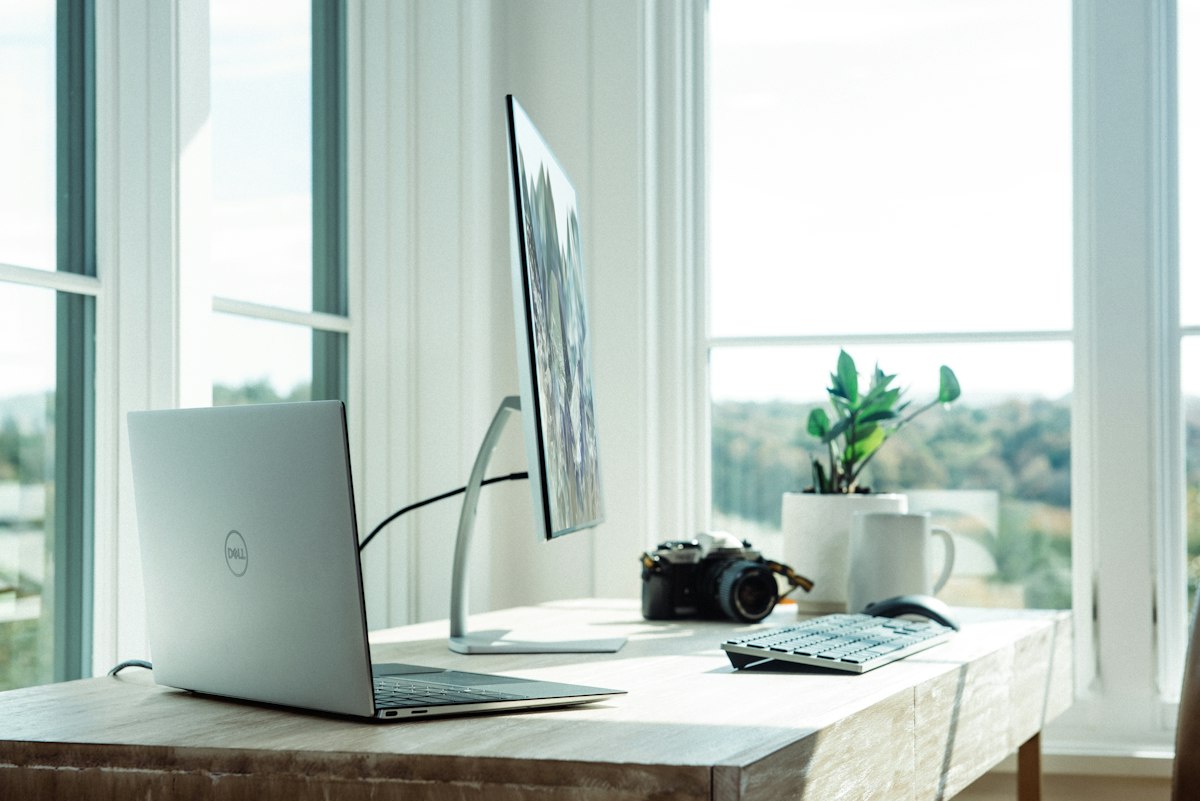
10 Best Ergonomic Desk Accessories in 2026 (Your Back Will Thank You)
Most people spend eight to ten hours a day at a desk and invest exactly zero thought into whether that desk is actively hurting them. Then they wonder why their wrists ache, their neck is stiff, and their lower back feels like it belongs to someone thirty years older. The fix is rarely one product. It’s a combination of small adjustments across your entire workspace that add up to a setup that doesn’t punish you for sitting in it.
These ten products cover every part of the equation: hands, wrists, eyes, back, feet, and ears. Some cost less than a decent lunch. Others are investments. All of them solve a specific problem that you’ve probably been ignoring.
1. Sihoo Doro S300 — Best Ergonomic Office Chair
$900 (frequently on sale around $600)
Start with the thing you sit in. The Doro S300 won design awards for a reason: the lumbar support adjusts to an absurd degree, the “anti-gravity” suspension system lets you customize height without a pneumatic lever, the armrests adjust in six directions, and the breathable mesh keeps you cool during long sessions. The reclining mode supports your back at every angle, which matters when you inevitably lean back during a 3pm call you could have been an email.
This is the most expensive item on this list. It’s also the one that will have the single biggest impact on how you feel at the end of a workday.
2. Qutool Lumbar Pillow — Best Budget Back Support
$38
Not everyone can drop $900 on a chair, and not everyone needs to. If your current chair has mediocre lumbar support (most do), a memory foam lumbar pillow fills the gap between your lower back and the chair, reducing slouching and pressure on the spine. The Qutool uses a non-flattening foam design that holds its shape after months of daily use. Strap it to whatever office chair you already own and call it done.
The price-to-impact ratio here is the best on this list.
3. Flexispot E7 — Best Standing Desk
Starting at $480
A height-adjustable desk is less about standing all day (you shouldn’t) and more about having the option to alternate between sitting and standing throughout the day. The E7 runs on a dual-motor lifting system that’s precise, stable, and handles up to 125 kilograms even at full extension. Memory presets let you save your exact sitting and standing heights and switch between them with one button press.
The base price gets you a 48x24 chipboard top. Bamboo and larger configurations run $500 to $670 depending on size and material. The frame is the part that matters, and this one is built to last longer than whatever desk surface you put on it.
4. Ergotron HX — Best Monitor Arm
$350
Screen positioning is the most overlooked piece of desk ergonomics. Your monitor should sit directly in front of you, with the top of the screen at eye level, tilted slightly upward. If you’re looking down at a screen sitting on a desk surface, you’re loading your neck with strain for every hour you work. The Ergotron HX handles large, heavy monitors with full articulation across height, depth, tilt, and rotation. Available in desk clamp, grommet mount, or wall mount configurations.
One adjustment. Hours of neck strain eliminated. It’s that simple.
5. Contour Touch — Best Touchpad Mouse
$119
Research has found that using a traditional mouse for extended periods significantly increases the risk of shoulder and neck pain from constant reaching and gripping. Touchpad mice reduce that strain by eliminating the grip-and-drag motion entirely. The Contour Touch won the iF Design Award in 2026 for its centered design with an integrated wrist rest. You tap instead of click, slide instead of drag, and your arm stays in a neutral position instead of reaching to the side.
If you’ve been using a standard mouse for a decade and your shoulder hurts, this is probably why.
6. Logitech Lift — Best Vertical Mouse
$70
If you want to keep the mouse form factor but fix the wrist angle, the Lift is the standard answer. The 57-degree vertical orientation puts your hand in a handshake position, relieving the pronation that causes forearm strain and wrist pressure during long sessions. It’s comfortable, well-built, and consistently tops ergonomic mouse recommendations across every review site that covers this category.
One caveat: the Lift is designed for small and medium hands. If your hands are large, look at the Logitech MX Master 3S instead. It’s not vertical, but the sculpted shape accommodates bigger grips better.
7. Kinesis Freestyle2 — Best Ergonomic Keyboard
$89
A split keyboard lets you position each half at the width of your shoulders, eliminating the inward wrist angle (ulnar deviation) that standard keyboards force. The Freestyle2 uses low-force membrane keys designed to reduce finger fatigue during extended typing sessions. If your job involves writing thousands of words per day and your wrists regularly ache by Friday, a split keyboard is the intervention that most directly addresses the cause.
The learning curve is real. Give it two weeks. Your wrists will tell you whether it was worth it within the first three days.
8. Twelve South Curve Flex — Best Laptop Stand
$80
If you work on a laptop without an external monitor, a stand is non-negotiable. Looking down at a laptop screen for eight hours is a direct path to neck and upper back pain. The Curve Flex elevates your laptop by up to 22 inches and tilts the keyboard from 0 to 45 degrees, which means you can bring your screen to eye level without buying a separate monitor. It’s adjustable, portable (surprisingly easy to pack for travel), and works with any laptop or MacBook.
Pair it with an external keyboard and mouse for the full ergonomic setup. The laptop becomes your monitor, your desk stays clear, and your neck stays neutral.
9. Humanscale FR300 — Best Foot Rest
$150
Foot positioning is the ergonomic factor that nobody thinks about until someone points it out. If your feet don’t rest flat on the floor when your chair is at the right height, your thighs take the pressure, your circulation suffers, and you end up shifting in your seat every fifteen minutes. The FR300 has a solid hardwood platform with non-skid pads and a gentle rocking motion that promotes circulation. Three inches of height adjustment covers the range for most desk and chair combinations.
10. Poly Voyager Focus 2 USB-C — Best Ergonomic Headset
$250 (street price around $180)
If you spend three or more hours a day on calls, your headset is an ergonomic tool whether you think of it that way or not. A heavy, poorly padded headset causes neck strain and ear fatigue by mid-afternoon. The Voyager Focus 2 weighs almost nothing, has plush ear cushions and a lightweight padded headband, active noise cancellation that lets you focus between calls, and 19 hours of battery life on a single charge. Wireless Bluetooth means no cable tethering you to a desk position.
The Bottom Line
You don’t need all ten of these. Start with whatever addresses your biggest complaint. Wrists hurt? Get the Lift or the Freestyle2. Neck stiff? Get the monitor arm or the laptop stand. Back aching? The lumbar pillow is $38 and ships in two days. Build from there.
The best ergonomic setup is one you assemble over time based on what your body actually tells you, not one you buy all at once because a list on the internet told you to.
Our Picks
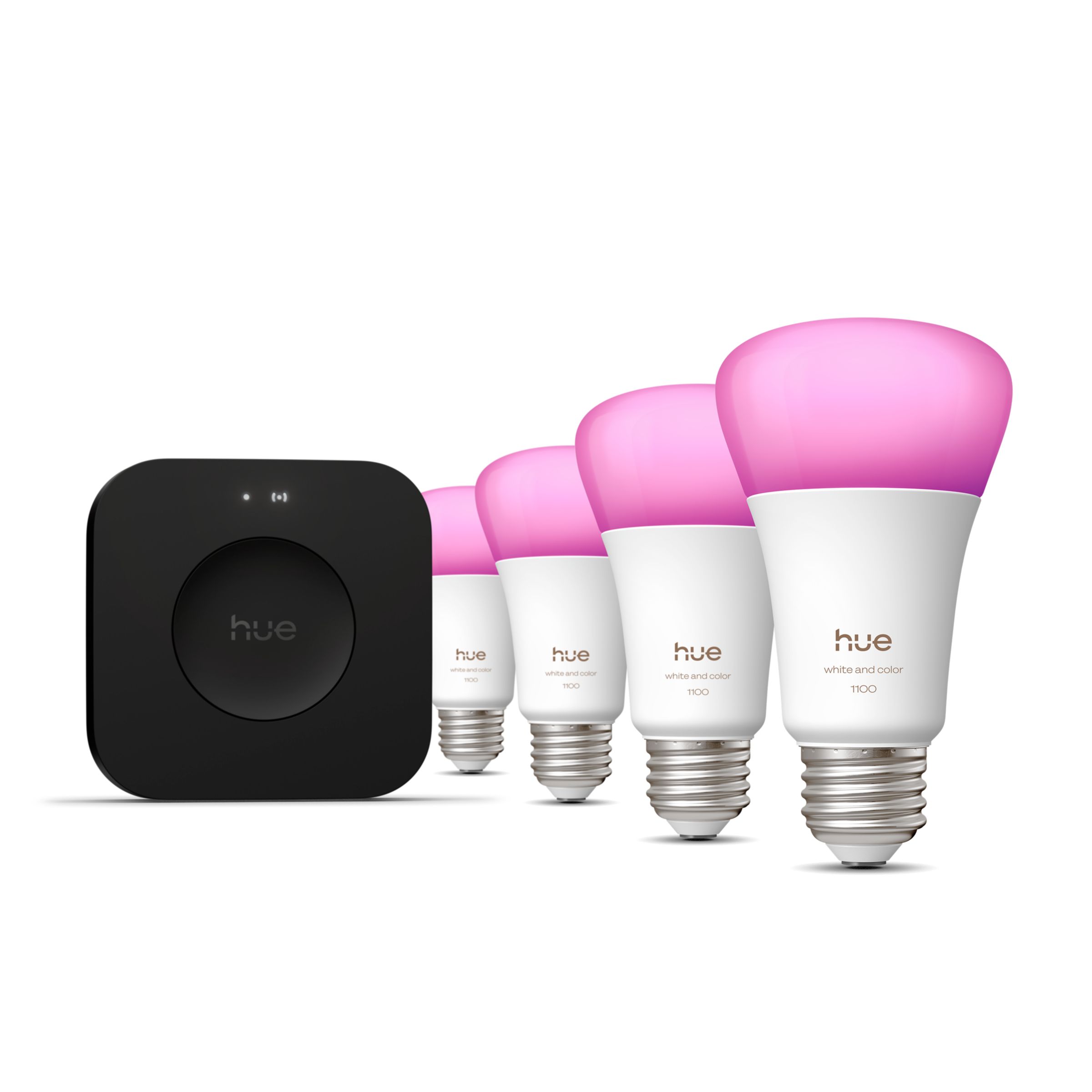
Philips Hue Starter Kit
$130
Shop on Amazon
Herman Miller Aeron (Renewed)
$850
Shop on Amazon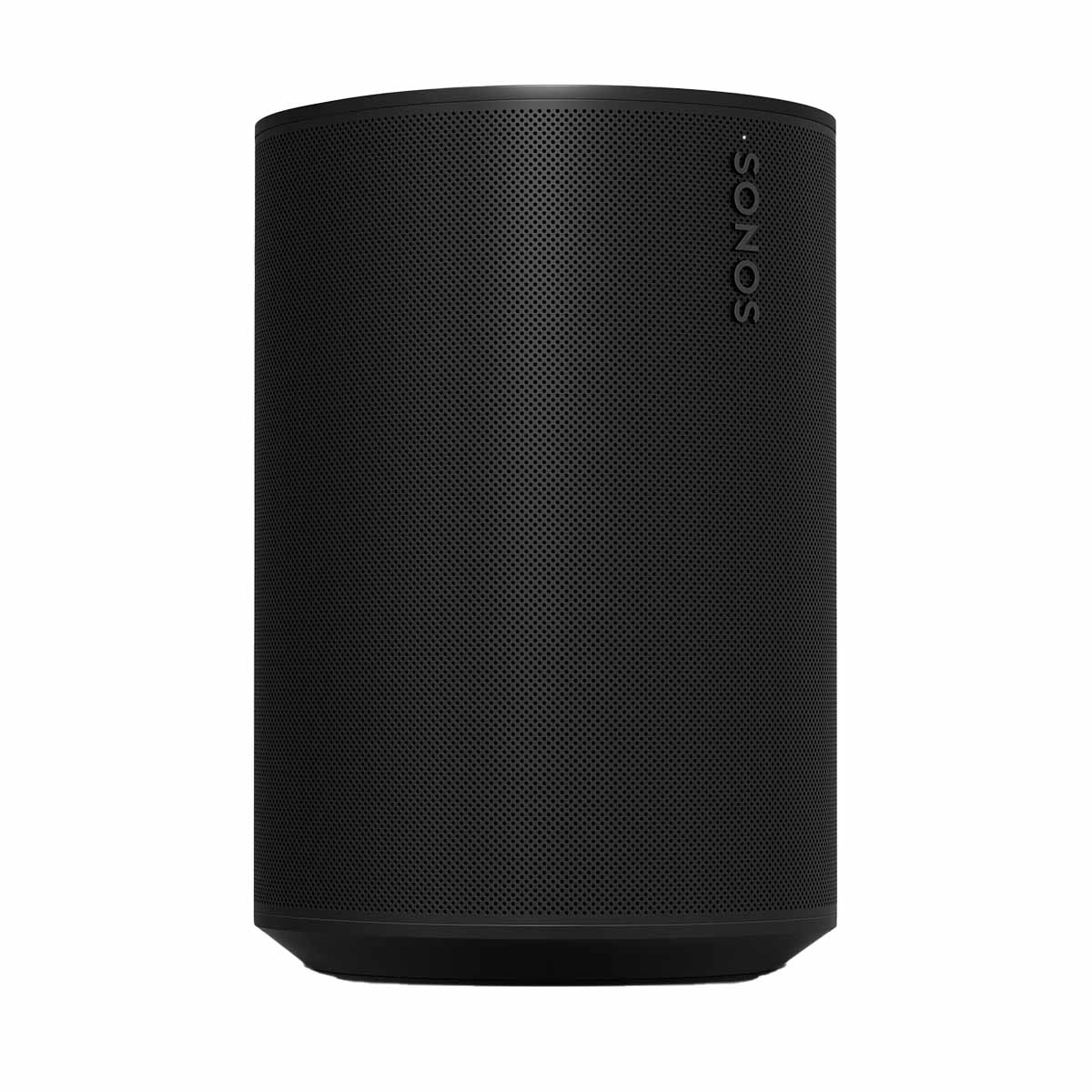
Sonos Era 100
$199
Shop on AmazonAs an Amazon Associate, we earn from qualifying purchases.